
Introduction: Why You Need the Right USB-C Hub
If you’ve been hunting for the best USB-C hubs for MacBook and laptops, you already know the frustration — modern ultrabooks and MacBooks are sleek, powerful, and painfully short on ports. Whether you’re a creative professional juggling external monitors and hard drives, a remote worker bouncing between Zoom calls and USB peripherals, or a student who just needs to plug in a mouse and charge simultaneously, a quality USB-C hub is no longer optional — it’s essential. The good news is that the market in 2026 has never been better, with hubs offering everything from 4K display output and 100W power delivery to SD card slots and Ethernet ports. The bad news? There are hundreds of options, and not all of them are built equally. In this guide, we’ve tested and researched the top picks so you don’t have to. From compact travel-friendly dongles to full-size desktop docking stations, we cover the best options for every budget and use case.
Quick Picks: Top 3 USB-C Hubs at a Glance
| Product | Best For | Link |
|---|---|---|
| Anker 552 USB-C Hub (9-in-1) | Best Overall Value | Check Price (paid link) |
| CalDigit TS4 Thunderbolt 4 Dock | Best for Power Users | Check Price (paid link) |
| Satechi Slim Multi-Port Adapter V2 | Best for Travel | Check Price (paid link) |
Our Top Best USB-C Hubs for MacBook and Laptops Reviews
We evaluated each hub based on port selection, build quality, power delivery performance, heat management, and real-world usability. Here are our top five picks in detail, ranked to help you make the smartest buying decision.
1. Anker 552 USB-C Hub (9-in-1)
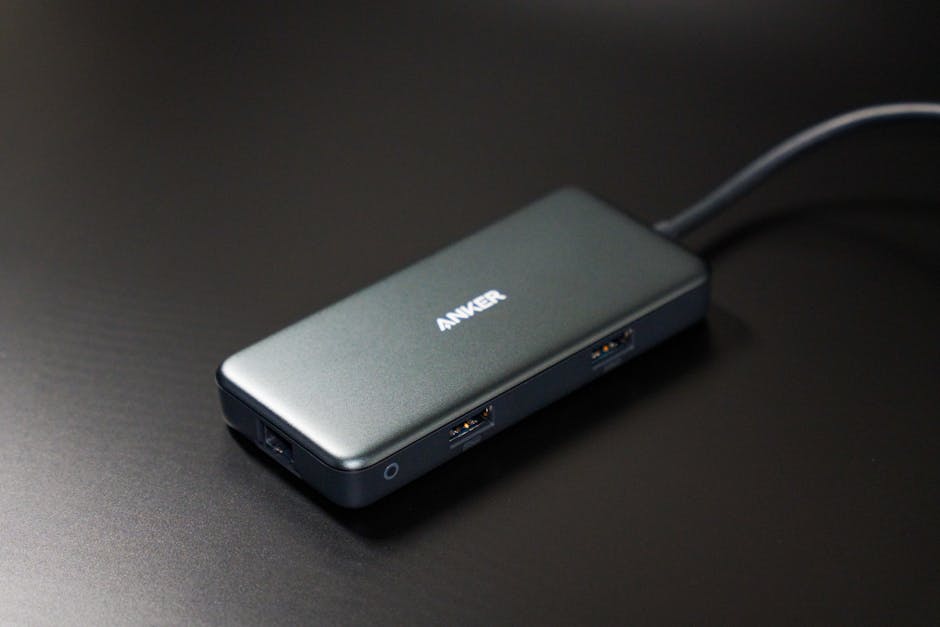
The Anker 552 is our top overall pick, and it’s easy to see why. Anker has long been a trusted name in USB accessories, and this 9-in-1 hub delivers an impressive port lineup without breaking the bank. You get an 4K HDMI output, USB-A 3.0 ports, a microSD and SD card reader, a USB-C data port, and up to 100W Power Delivery passthrough — all in a compact, well-built enclosure. As noted by reviewers at The Verge, Anker consistently delivers reliable accessories at competitive prices, and the 552 is no exception. It runs cool under load and is compatible with MacBook Pro, MacBook Air, Windows laptops, and Chromebooks alike.
- Pros:
- Excellent port variety in a compact body
- 100W Power Delivery passthrough
- 4K HDMI output at 30Hz
- Affordable price point
- Broad device compatibility
- Cons:
- 4K is capped at 30Hz (not ideal for gamers)
- No Ethernet port
- Cable is short and not detachable
Best for: Students and everyday users who need a versatile, affordable hub for work and school.
Buy on Amazon (paid link)2. CalDigit TS4 Thunderbolt 4 Dock
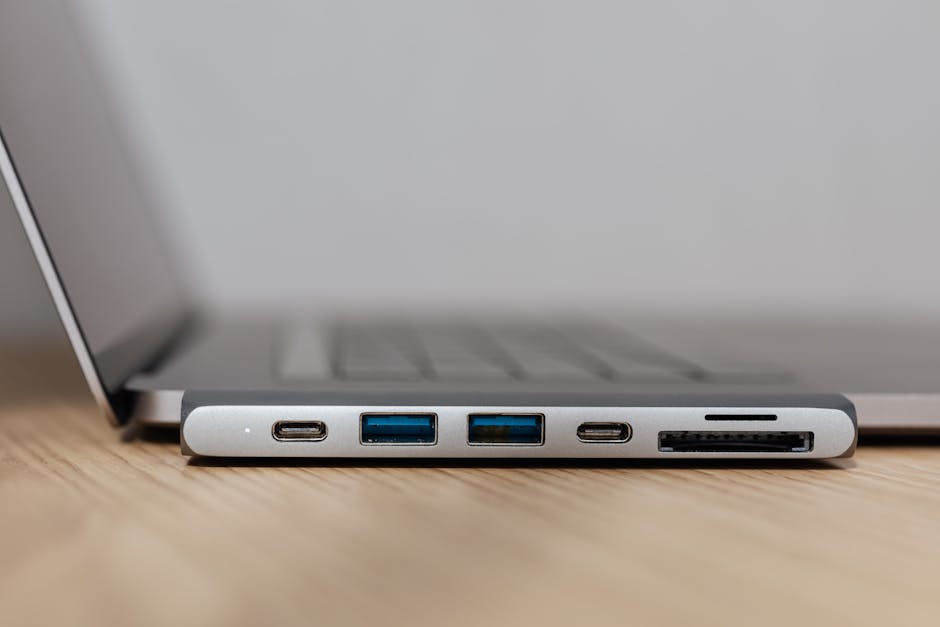
For power users who demand the absolute best, the CalDigit TS4 is in a class of its own. This Thunderbolt 4 dock packs an incredible 18 ports, including dual Thunderbolt 4 downstream ports, 2.5Gb Ethernet, multiple USB-A and USB-C ports, DisplayPort, SD card reader, and even a front-facing 3.5mm audio jack. It supports up to 98W host charging and can drive dual 4K displays or a single 8K monitor. CalDigit’s official product page at caldigit.com highlights its Intel-certified Thunderbolt 4 performance. It’s particularly well-suited for MacBook Pro users running demanding creative workflows with video editing, 3D rendering, or large file transfers.
- Pros:
- 18 ports including Thunderbolt 4 downstream
- 2.5Gb Ethernet for ultra-fast networking
- Supports 8K or dual 4K displays
- Rock-solid build quality
- Excellent heat dissipation
- Cons:
- Premium price tag
- Requires Thunderbolt 4 host to unlock full performance
- Large desktop footprint
Best for: Professional creatives, developers, and power users who need a true workstation-grade docking solution.
Buy on Amazon (paid link)3. Satechi Slim Multi-Port Adapter V2
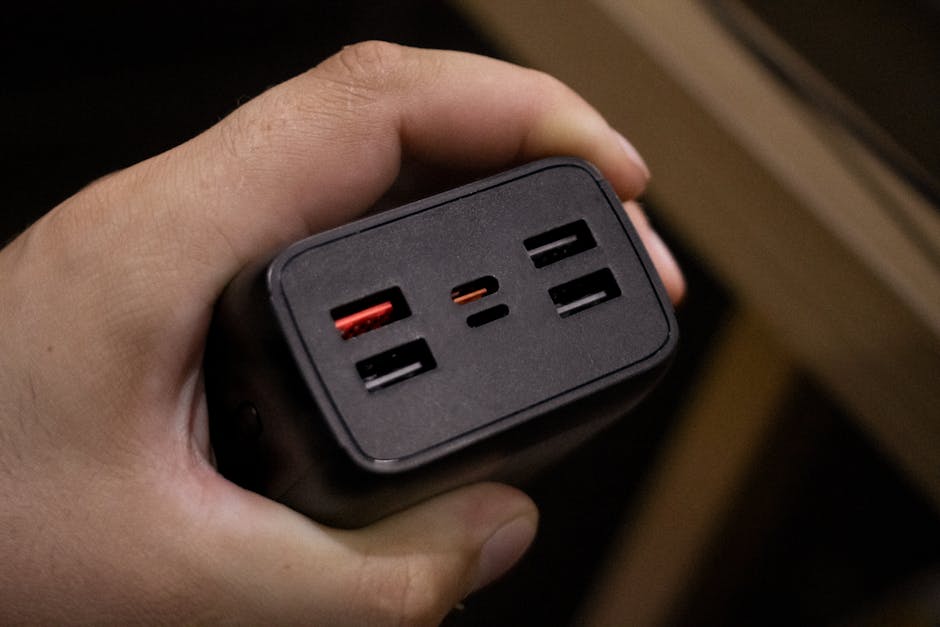
If portability is your priority, the Satechi Slim Multi-Port Adapter V2 is one of the most elegant travel USB-C hubs on the market. Designed with MacBook aesthetics in mind, it comes in Space Gray and Silver colorways that match Apple’s lineup perfectly. Despite its slim profile, it packs a 4K HDMI port, three USB-A 3.0 ports, a USB-C charging port, and a microSD/SD card slot. It’s bus-powered, meaning no external power adapter needed. The build is premium aluminum and it barely adds weight to your bag. According to CNET, Satechi has become one of the go-to brands for Mac-compatible accessories due to their build quality and design sensibility.
- Pros:
- Ultra-slim and travel-friendly design
- Matches MacBook aesthetics beautifully
- Premium aluminum construction
- No external power needed
- 4K HDMI output
- Cons:
- No Ethernet port
- Limited to 60W Power Delivery passthrough
- 4K HDMI at 30Hz only
Best for: Frequent travelers and MacBook users who want style and portability without sacrificing core functionality.
Buy on Amazon (paid link)4. Plugable 11-in-1 USB-C Hub with Ethernet
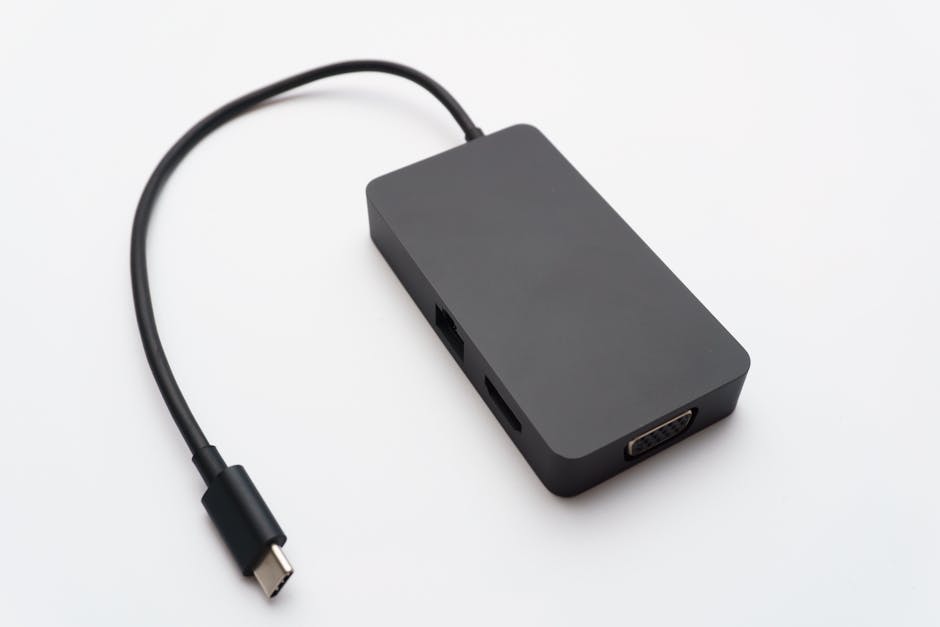
The Plugable 11-in-1 is a powerhouse hub that stands out by including a Gigabit Ethernet port — something many competitors skip. It offers HDMI 2.0 output at 4K/60Hz, which is a significant upgrade over hubs locked at 30Hz. You also get multiple USB-A and USB-C ports, SD and microSD card readers, a VGA port for legacy displays, and 100W Power Delivery. The hub is compatible with macOS, Windows, and ChromeOS, and Plugable backs it with excellent customer support and a two-year warranty. For those who work from home or in offices where wired internet is a must, this hub ticks all the boxes efficiently and reliably.
- Pros:
- 4K HDMI at 60Hz — smooth display output
- Gigabit Ethernet included
- VGA port for legacy monitor support
- 100W Power Delivery
- Two-year warranty
- Cons:
- Slightly bulkier than slim travel options
- Can run warm during sustained use
- Not the most compact design
Best for: Remote workers and home office users who need Ethernet, 4K/60Hz display output, and maximum port flexibility.
Buy on Amazon (paid link)5. HyperDrive Next 10 Port USB-C Hub
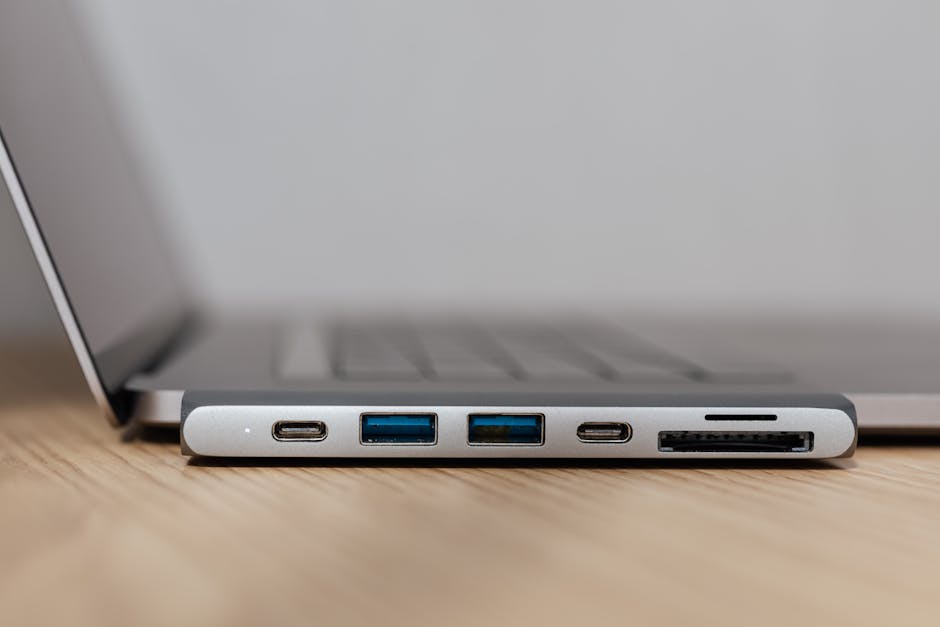
HyperDrive has built a strong reputation among MacBook users, and the Next 10 Port USB-C Hub is their best product yet. It offers 10 ports including dual 4K HDMI outputs, USB-A 3.2 Gen 2 ports, Gigabit Ethernet, SD and microSD card slots, and up to 140W Power Delivery — one of the highest in its class. The aluminum build is sturdy and pairs naturally with MacBook aesthetics. What makes this hub special is its support for Apple Silicon’s display output, which is a known compatibility challenge. HyperDrive specifically engineers their products for Mac compatibility, making this a top choice for anyone in the Apple ecosystem who wants dual monitor support without headaches.
- Pros:
- Dual 4K HDMI outputs
- 140W Power Delivery passthrough
- USB-A 3.2 Gen 2 for fast data transfer
- Apple Silicon optimized
- Gigabit Ethernet included
- Cons:
- Higher price among non-Thunderbolt hubs
- Larger size may not suit all setups
- Dual display depends on host device capability
Best for: MacBook Pro and MacBook Air users who want dual monitor support, maximum power delivery, and full Mac compatibility.
Buy on Amazon (paid link)What to Look for When Buying the Best USB-C Hubs for MacBook and Laptops
Choosing the right USB-C hub requires more than just counting ports. Here are the key factors to evaluate before making your purchase:
- Port Selection: Think about what you actually plug in daily. Do you need Ethernet? An SD card reader for your camera? Multiple USB-A ports for peripherals? Make a list before shopping.
- Power Delivery (PD): If you want to charge your laptop through the hub, look for at least 60W PD. MacBook Pro users should aim for 96W or higher. The highest-end hubs now offer up to 140W, which is ideal for power-hungry devices.
- Display Output: For a single 4K monitor, most hubs work fine. But if you want dual 4K displays, you’ll need a Thunderbolt 4 dock or a hub specifically designed for dual-display output. Always check the refresh rate — 60Hz vs 30Hz makes a visible difference in daily use.
- Thunderbolt vs USB-C: Not all USB-C is created equal. Thunderbolt 4 hubs offer dramatically faster data transfer speeds and more display flexibility, but cost more. Standard USB-C hubs are more affordable and sufficient for most users. Apple’s own Mac accessories page recommends Thunderbolt for professional workflows.
- Build Quality and Heat: Cheap plastic hubs can overheat and throttle performance. Aluminum-bodied hubs dissipate heat better and last longer.
- Compatibility: Always verify the hub works with your specific device — especially if you’re using Apple Silicon (M1/M2/M3/M4) MacBooks, which have known display output limitations.
Related Reviews
- Best Budget Laptops Under $500
- Best Laptops For Accounting Professionals
- Best Wireless Earbuds Under $50
Final Verdict
The right USB-C hub can completely transform how you use your laptop. For most users, the Anker 552 USB-C Hub (9-in-1) delivers the best balance of features, reliability, and affordability. Power users and professionals will find the CalDigit TS4 worth every penny, while travelers will love the slim elegance of the Satechi adapter. Whatever your setup, there’s a hub on this list that fits your needs and budget. Don’t let a lack of ports slow you down in 2026 — upgrade your workspace today. Shop our top pick on Amazon (paid link) and start getting more out of your laptop immediately.