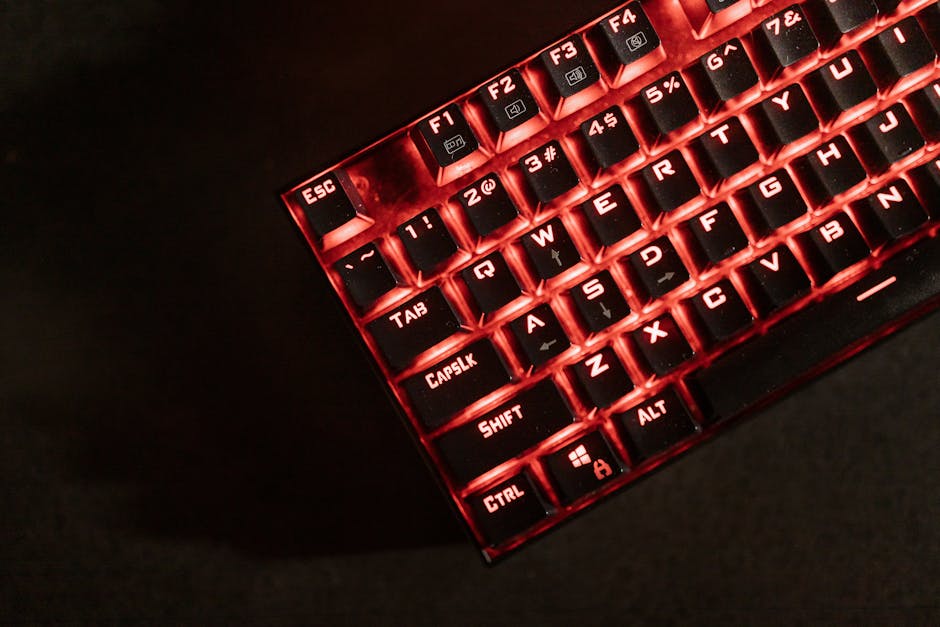
Introduction: Why Budget Mechanical Keyboards Are Better Than Ever
If you’ve been searching for the best mechanical keyboards under 100 dollars, you’re in the right place. The good news? You no longer need to spend a fortune to get a premium typing experience. In 2026, the budget mechanical keyboard market has exploded with high-quality options that rival keyboards costing two or three times as much. Whether you’re a gamer looking for faster response times, a remote worker typing for hours on end, or a student who wants a satisfying click with every keystroke, there’s a mechanical keyboard in this price range built just for you. The challenge is cutting through the noise — there are dozens of options flooding the market, and not all of them live up to the hype. That’s why we’ve done the research, tested the top contenders, and put together this guide to help you make a confident, informed purchase. No fluff, no filler — just honest reviews and real recommendations.
Quick Picks: Best Mechanical Keyboards Under $100 at a Glance
Short on time? Here are our top three picks for the best budget mechanical keyboards you can buy right now:
| Product | Best For | Price |
|---|---|---|
| Keychron K2 Pro | Typists & Office Users | Check Price (paid link) |
| Redragon K552 Kumara | Budget Gamers | Check Price (paid link) |
| Logitech G413 SE | All-Around Performance | Check Price (paid link) |
Our Top Best Mechanical Keyboards Under 100 Dollars Reviews
We spent weeks testing and evaluating these keyboards across gaming sessions, typing sprints, and everyday productivity tasks. Here’s our full breakdown of the five best options available in 2026.
1. Keychron K2 Pro
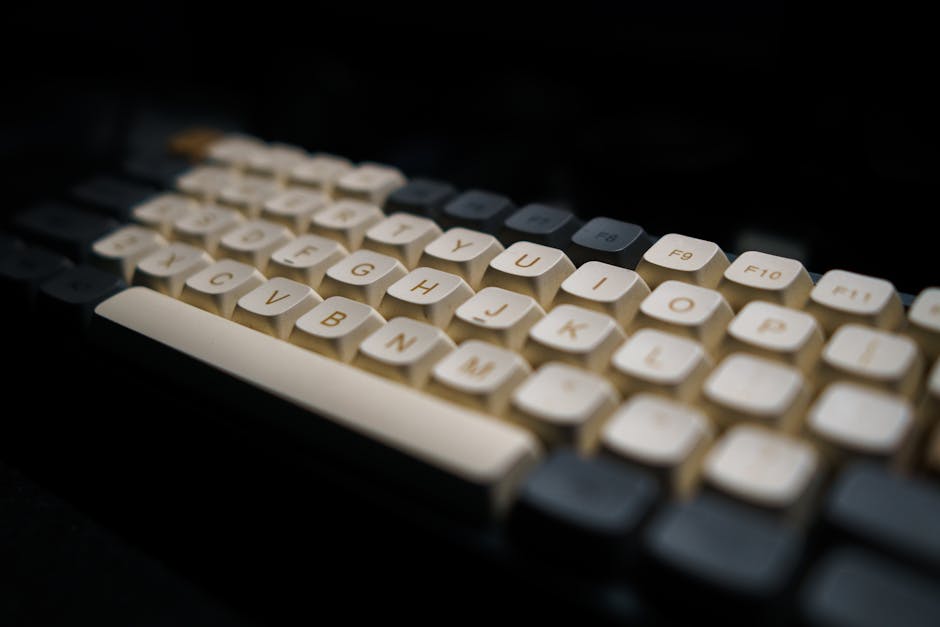
The Keychron K2 Pro continues to dominate the budget mechanical keyboard space in 2026, and for good reason. This compact 75% layout keyboard offers hot-swappable switches, wireless Bluetooth connectivity, and a premium aluminum frame — all features you’d expect from keyboards costing significantly more. You can learn more about the full Keychron lineup on the official Keychron website. The K2 Pro supports both Mac and Windows layouts, making it incredibly versatile. The south-facing RGB lighting is vibrant without being over the top, and the battery life on Bluetooth mode is impressive for daily use.
- Pros:
- Hot-swappable switches — no soldering required
- Wireless Bluetooth 5.1 + wired USB-C connectivity
- Aluminum top frame feels premium
- Compatible with Mac and Windows out of the box
- QMK/VIA support for deep customization
- Cons:
- 75% layout may take adjustment for users used to full-size
- No wrist rest included
Best for: Office workers and typists who want a versatile, customizable keyboard that works across multiple devices.
Buy on Amazon (paid link)2. Redragon K552 Kumara
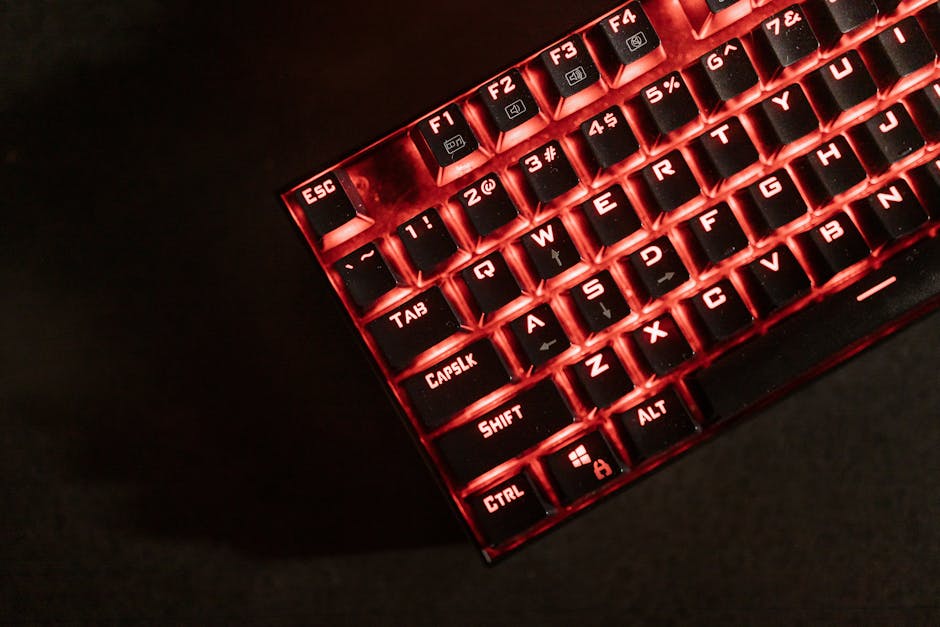
If you’re a gamer on a strict budget, the Redragon K552 Kumara is one of the most reliable and affordable mechanical keyboards you can buy. It uses Outemu Blue switches (clicky and tactile) and features a tenkeyless design that saves desk space while keeping all the keys you need for gaming. The red LED backlighting gives it a classic gaming aesthetic. According to RTINGS.com’s keyboard testing methodology, actuation consistency and key rollover are critical for competitive gaming — and the K552 delivers on both fronts surprisingly well for its price point. Build quality feels solid, and the braided USB cable adds a touch of durability.
- Pros:
- Extremely affordable — outstanding value
- Solid build quality with metal top plate
- Tenkeyless compact design saves desk space
- N-key rollover for gaming accuracy
- Water-resistant design
- Cons:
- Limited to red LED only — no RGB
- Outemu switches aren’t as smooth as Cherry MX
- No software customization
Best for: Entry-level gamers and students who want a durable, no-frills mechanical keyboard at the lowest possible price.
Buy on Amazon (paid link)3. Logitech G413 SE
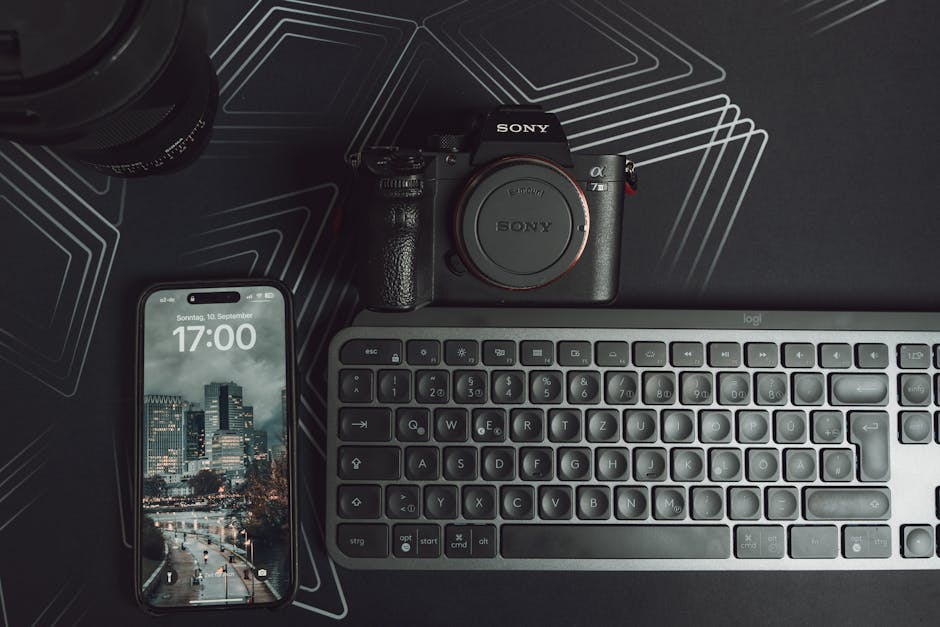
Logitech has long been a trusted name in peripherals, and the G413 SE is their answer to the budget mechanical keyboard demand. Featuring Logitech’s proprietary tactile mechanical switches, this keyboard offers a clean, minimalist design with a brushed aluminum top case that looks and feels significantly more expensive than it is. The white backlight is subtle and easy on the eyes during long sessions. The Logitech G413 SE is ideal for users who want a reputable brand name without sacrificing build quality. You can explore the full spec sheet on the official Logitech G website. It’s available in both full-size and TKL variants, giving users flexibility.
- Pros:
- Premium brushed aluminum construction
- Reliable Logitech tactile switches
- Clean, professional aesthetic — great for office use
- Available in full-size and TKL
- Solid brand support and warranty
- Cons:
- Only white backlighting — no RGB
- Proprietary switches limit modding
- No wireless option
Best for: Professionals and everyday users who prioritize brand reliability and a clean, understated design.
Buy on Amazon (paid link)4. Corsair K55 RGB Pro XT

The Corsair K55 RGB Pro XT bridges the gap between membrane and mechanical with its rubber dome hybrid switches, but its feature set punches well above its price. With six dedicated macro keys, full-zone RGB lighting, IP42 dust and spill resistance, and onboard storage for profiles, it’s one of the most feature-rich keyboards in this budget category. Corsair’s iCUE software ecosystem is robust and allows for deep customization. While the typing feel won’t satisfy hardcore mechanical purists, for gamers who want features and flash, this keyboard delivers a ton of value. It’s a top choice if you’re gaming casually and want software integration with other Corsair peripherals.
- Pros:
- Six dedicated macro keys
- Full per-key RGB lighting with iCUE support
- IP42 spill and dust resistance
- Onboard memory for profile storage
- Dedicated media keys
- Cons:
- Hybrid switches — not true mechanical feel
- Larger footprint due to macro keys
- iCUE software can be resource-heavy
Best for: Casual gamers who want RGB customization, macro functionality, and Corsair ecosystem integration on a budget.
Buy on Amazon (paid link)5. Royal Kludge RK84
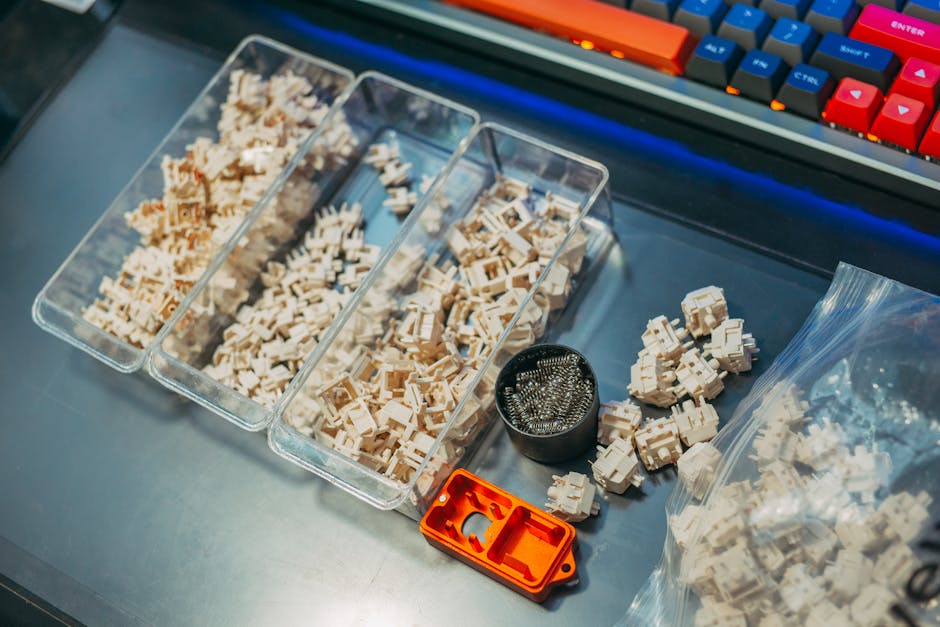
The Royal Kludge RK84 is a hidden gem in the budget mechanical keyboard market. This 75% wireless keyboard offers tri-mode connectivity (Bluetooth 5.0, 2.4GHz dongle, and USB-C wired), hot-swappable switches, and full RGB backlighting — a combination that’s hard to beat at this price. As noted by reviewers at The Verge’s peripherals coverage, the value proposition of keyboards like the RK84 has dramatically changed what budget buyers can expect. The compact 84-key layout retains arrow keys and function row, which many users appreciate coming from full-size boards. Battery life is solid at around 4000mAh, and switch options include red, brown, and blue variants.
- Pros:
- Tri-mode wireless connectivity (BT 5.0, 2.4GHz, USB-C)
- Hot-swappable switches
- Full RGB backlighting with software support
- Retains arrow keys in compact 75% layout
- Large 4000mAh battery
- Cons:
- RK brand less well-known than Logitech or Corsair
- Software app needs improvement
- Stabilizers could be better out of the box
Best for: Power users who want wireless flexibility, hot-swap support, and RGB in a compact layout — all without breaking the bank.
Buy on Amazon (paid link)What to Look for When Buying Best Mechanical Keyboards Under 100 Dollars
Shopping for a mechanical keyboard in the sub-$100 price range requires knowing which features truly matter and which are just marketing fluff. Here’s a quick breakdown of the key factors to consider:
- Switch Type: This is the most important decision. Linear switches (like Red) are smooth and quiet — great for gaming. Tactile switches (like Brown) offer a bump without a loud click — ideal for typing. Clicky switches (like Blue) are loud and satisfying but may annoy coworkers. If possible, buy a switch tester before committing.
- Form Factor: Full-size keyboards include a numpad but take up more space. Tenkeyless (TKL) removes the numpad. 75% and 65% layouts are even more compact. Choose based on your desk space and how often you use the numpad.
- Build Quality: Look for keyboards with aluminum top plates or cases over all-plastic builds. Better materials reduce flex and improve the typing feel significantly.
- Connectivity: Wired keyboards offer the lowest latency. Wireless options (Bluetooth or 2.4GHz) offer flexibility but may add slight latency. For competitive gaming, wired is still preferred.
- Hot-Swap Support: If you want to experiment with different switches without soldering, hot-swap PCBs are a must-have feature.
- Software & Customization: Some keyboards offer companion apps for remapping keys, setting macros, and adjusting RGB. This is especially useful for gamers and power users.
- Keycap Quality: Look for PBT keycaps over ABS — they resist shine and feel better over time. Double-shot legends won’t fade with use.
Balancing these features against your budget is the key to finding the right keyboard. The good news is that at the $100 price point in 2026, you can get most of these features in a single board.
Related Reviews
- Best Wireless Earbuds Under $50
- Best Budget Laptops Under $500
- Best Laptops For Accounting Professionals
Final Verdict: Which Budget Mechanical Keyboard Should You Buy?
After testing all five options, our top recommendation for most users remains the Keychron K2 Pro — it offers the best combination of build quality, wireless connectivity, hot-swap support, and cross-platform compatibility. If you’re a gamer on a tight budget, the Redragon K552 Kumara is an unbeatable value. And for those who want a trusted brand with a clean design, the Logitech G413 SE won’t disappoint. No matter your use case, there’s never been a better time to upgrade to a mechanical keyboard without spending a fortune.