Introduction
Choosing between the MacBook Pro and the Dell XPS 13 is one of the most common dilemmas facing premium laptop buyers in 2026. Both machines sit at the top of their respective ecosystems, offering sleek designs, powerful processors, and stunning displays — but they cater to very different users with very different workflows.
The MacBook Pro, powered by Apple’s latest Silicon chips, is a powerhouse for creative professionals, developers, and anyone already living in the Apple ecosystem. The Dell XPS 13, on the other hand, is a refined Windows ultrabook beloved for its compact form factor, versatility, and compatibility with a wider range of software and peripherals.
In this in-depth comparison, we break down five top configurations and variants of these two legendary laptops — covering performance, display quality, battery life, portability, and overall value — so you can make the smartest buying decision for your needs and budget.
Quick Picks
| Pick | Product | Best For | Link |
|---|---|---|---|
| 🥇 Best Overall | Apple MacBook Pro 14-inch (M4 Pro) | Power users & creatives | Check Price (paid link) |
| 🥈 Best Ultrabook | Dell XPS 13 9350 (Intel Core Ultra 7) | Portability & Windows users | Check Price (paid link) |
| 🥉 Best Value | Apple MacBook Pro 13-inch (M3) | Everyday pro tasks on a budget | Check Price (paid link) |
Reviews
1. Apple MacBook Pro 14-inch (M4 Pro, 2025)

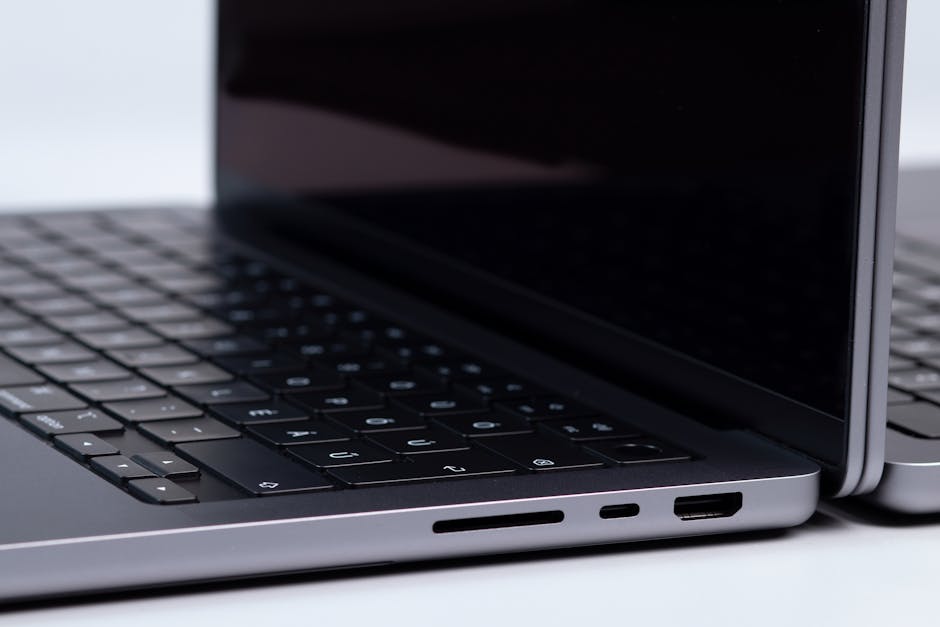
The MacBook Pro 14-inch powered by Apple’s M4 Pro chip is the gold standard for premium laptops in 2026. Whether you’re editing 8K video, compiling large codebases, or running machine learning models, this machine handles it all without breaking a sweat — and without the fan noise you’d expect from competing Windows machines.
- Pros:
- M4 Pro chip delivers class-leading CPU and GPU performance
- Gorgeous Liquid Retina XDR display with ProMotion (up to 120Hz)
- Outstanding battery life — easily 18–22 hours of real-world use
- Premium build quality with MagSafe, HDMI, and SD card slot
- Excellent thermal management — stays cool under load
- Cons:
- Premium price tag puts it out of reach for many buyers
- macOS may not suit users dependent on Windows-only software
- RAM and storage are not user-upgradable
Best for: Creative professionals, developers, and power users who want the absolute best performance and battery life in a 14-inch laptop.
2. Dell XPS 13 9350 (Intel Core Ultra 7, 2025)
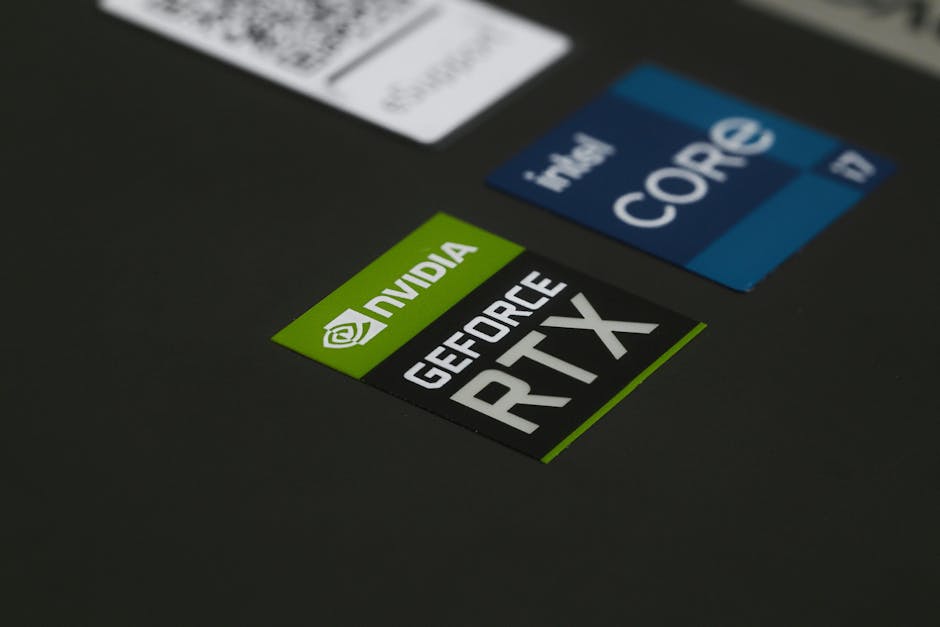
The Dell XPS 13 9350 is Dell’s finest ultrabook to date, featuring Intel’s Core Ultra 7 processor with integrated Intel Arc graphics and an OLED display option that is absolutely breathtaking. It’s among the thinnest and lightest 13-inch laptops on the market in 2026, making it ideal for travelers and on-the-go professionals who need Windows flexibility in a pocketable form.
- Pros:
- Incredibly thin and lightweight — under 2.7 lbs
- Optional OLED display with vivid colors and deep blacks
- Full Windows 11 compatibility with vast software support
- Intel Core Ultra 7 offers strong AI-assisted performance features
- Thunderbolt 4 ports for versatile connectivity
- Cons:
- Battery life trails the MacBook Pro noticeably
- Limited port selection (mostly USB-C only)
- Intel Arc graphics can’t match M4 Pro’s GPU horsepower
- Can run warm during sustained workloads
Best for: Windows-loyal professionals and frequent travelers who prioritize portability and a stunning display in a compact package.
3. Apple MacBook Pro 13-inch (M3, 2024)

The MacBook Pro 13-inch with the M3 chip represents the most accessible entry point into Apple’s pro laptop lineup. While it lacks the ProMotion display and advanced GPU of the larger models, it still delivers remarkable performance for productivity, coding, and light creative work — all in a familiar, compact chassis that Apple fans know and love.
- Pros:
- M3 chip is faster than most competing Windows ultrabooks
- Exceptional battery life for a 13-inch laptop (up to 17 hours)
- Compact, lightweight, and beautifully built
- More affordable entry point into the MacBook Pro range
- Great webcam and speaker system for video calls
- Cons:
- No ProMotion display (capped at 60Hz refresh rate)
- Only two Thunderbolt ports limits connectivity
- Less powerful GPU compared to M4 Pro models
Best for: Students, writers, and light creative professionals who want MacBook Pro reliability and battery life without the flagship price.
4. Dell XPS 13 Plus (Intel Core Ultra 9, OLED)

The XPS 13 Plus takes Dell’s ultrabook formula to an even more premium level, featuring a futuristic zero-lattice keyboard, a seamless glass haptic touchpad, and Intel’s top-of-the-line Core Ultra 9 processor. The OLED 3.5K touch display is one of the best screens ever put in a 13-inch laptop, and the overall aesthetic is strikingly modern — almost sci-fi in its minimalism.
- Pros:
- Stunning 3.5K OLED touchscreen with exceptional color accuracy
- Futuristic design with capacitive function row and glass touchpad
- Intel Core Ultra 9 handles demanding multitasking with ease
- Windows 11 Pro included — great for enterprise users
- Thunderbolt 4 with fast charging support
- Cons:
- Battery life is below average for its class
- Capacitive function row has a steep learning curve
- Very expensive, especially in OLED configuration
- Runs hot under heavy sustained loads
Best for: Design-forward professionals and tech enthusiasts who want the most visually impressive Windows ultrabook available and don’t mind charging more frequently.
5. Apple MacBook Pro 14-inch (M4, Base Model)

The base M4 MacBook Pro 14-inch is the sweet spot of the entire MacBook lineup in 2026. It combines the stunning Liquid Retina XDR display, ProMotion 120Hz refresh rate, and excellent port selection of the premium 14-inch chassis with the more accessible M4 (not Pro or Max) chip — making it a fantastic all-rounder for users who want a big-screen experience without paying for the most powerful internals.
- Pros:
- Liquid Retina XDR with ProMotion 120Hz — spectacular display quality
- M4 chip is still faster than virtually all Intel/AMD competition
- MagSafe, HDMI, SD card reader — best port selection in its class
- Incredible battery endurance for a 14-inch laptop
- More competitively priced than M4 Pro configuration
- Cons:
- Base 16GB RAM may feel limiting for heavy multitaskers in a few years
- GPU performance lower than M4 Pro — not ideal for 3D rendering
- Still premium-priced compared to equivalent Windows laptops
Best for: Professionals and students who want the premium 14-inch MacBook Pro experience — gorgeous display, great ports, long battery — without needing the most extreme processing power.
Quick Picks — Top 3 Summary
| Pick | Product | Best For | Link |
|---|---|---|---|
| 🥇 Best Overall | Apple MacBook Pro 14-inch (M4 Pro) | Power users & creatives | Check Price (paid link) |
| 🥈 Best Ultrabook | Dell XPS 13 9350 (Intel Core Ultra 7) | Portability & Windows users | Check Price (paid link) |
| 🥉 Best Value | Apple MacBook Pro 13-inch (M3) | Everyday pro tasks on a budget | Check Price (paid link) |
Buying Guide: What to Look for When Choosing Between MacBook Pro and Dell XPS 13
Picking between these two premium laptop lines comes down to more than specs — it’s about your ecosystem, workflow, and priorities. Here are the key factors to consider:
- Operating System & Ecosystem: If you already use an iPhone, iPad, or Apple Watch, the MacBook Pro integrates seamlessly via Handoff, AirDrop, and iCloud. If you rely on Windows-specific software (like certain enterprise tools or PC games), the Dell XPS 13 is the obvious choice.
- Performance Needs: Apple’s M-series chips dominate in CPU efficiency and GPU tasks like video editing and machine learning inference. For raw gaming or applications requiring NVIDIA/AMD discrete GPUs, consider a different Windows laptop entirely.
- Battery Life: The MacBook Pro consistently outperforms the XPS 13 in real-world battery endurance — sometimes by four to six hours. If you’re frequently away from outlets, this matters enormously.
- Display Preference: Both offer excellent screens, but the MacBook Pro’s Liquid Retina XDR and the XPS 13 OLED are benchmark displays for their respective platforms. Consider whether you need touch capability (XPS wins) or peak brightness for outdoor use (MacBook Pro wins).
- Portability: The Dell XPS 13 is fractionally lighter and thinner. For ultra-minimalist travelers, it edges ahead.
- Budget: Check current prices on Amazon, as these premium laptops fluctuate. Always verify you’re getting the configuration (RAM/storage) that future-proofs your investment.
Conclusion
After thoroughly comparing the MacBook Pro and Dell XPS 13 across performance, design, battery life, and value, our top recommendation for most users in 2026 is the Apple MacBook Pro 14-inch (M4 Pro). Its unmatched battery life, breathtaking display, and class-leading performance make it worth the investment for anyone doing serious work on the go.
That said, if you’re committed to Windows or need the ultimate in portability, the Dell XPS 13 9350 is an exceptional machine that won’t disappoint. Check the latest prices and configurations via the link below before you buy.