Introduction: The Right Laptop Makes All the Difference for Accountants
Accounting professionals spend countless hours working in Excel, QuickBooks, SAP, and other demanding financial software. A sluggish laptop can cost you billable hours, kill your productivity, and lead to frustrating crashes during tax season when you can least afford it. Whether you’re a CPA at a large firm, a freelance bookkeeper, or a finance student, the right laptop is a mission-critical tool — not just a luxury.
The ideal laptop for accounting needs to balance raw processing power, a crisp display for staring at spreadsheets for hours, long battery life for working on the go, and enough RAM to keep dozens of browser tabs and applications open simultaneously. Security features and portability matter too. In this guide, we’ve researched and reviewed five of the best laptops for accounting professionals available in 2026, covering a range of budgets and use cases so you can find your perfect match.
Quick Picks: Top 3 Laptops for Accountants at a Glance
| Product | Best For | Link |
|---|---|---|
| Apple MacBook Pro 14-inch (M4 Pro) | Premium performance & macOS users | Check Price (paid link) |
| Lenovo ThinkPad X1 Carbon Gen 13 | Business reliability & portability | Check Price (paid link) |
| Dell XPS 15 (2025) | Large display & multitasking power | Check Price (paid link) |
Full Reviews: Best Laptops for Accounting Professionals in 2026
1. Apple MacBook Pro 14-inch (M4 Pro)
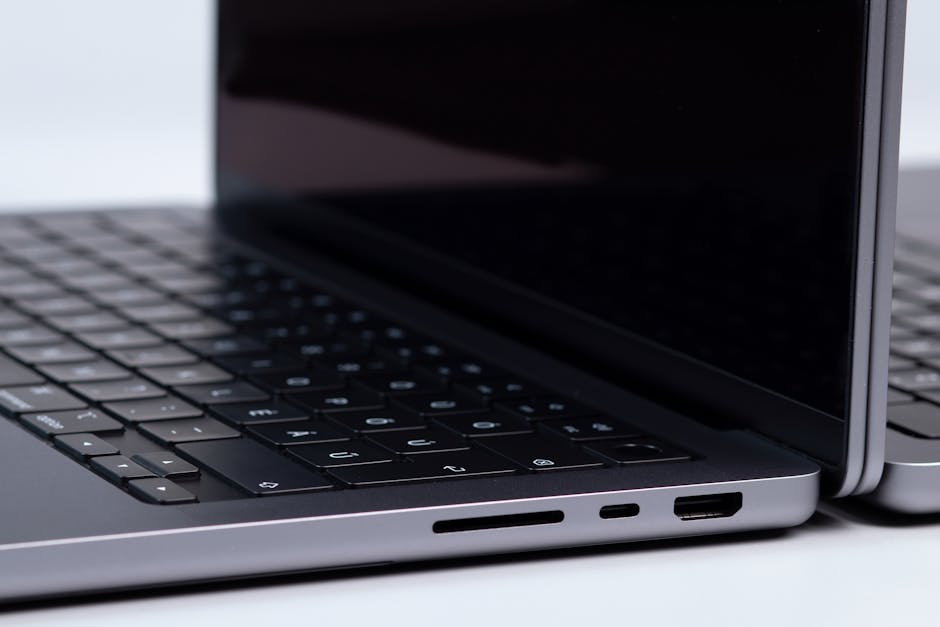
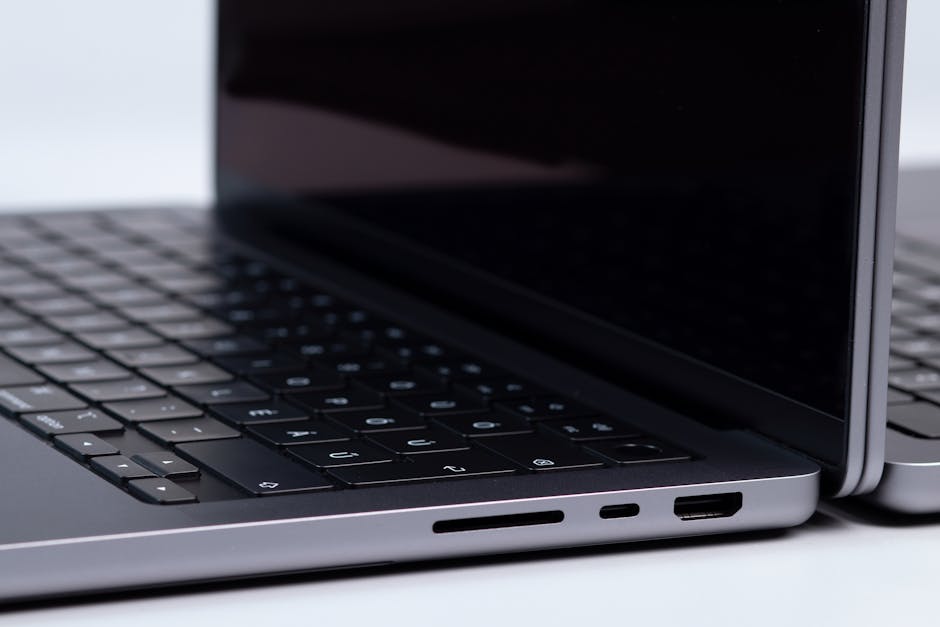
Apple’s MacBook Pro 14-inch powered by the M4 Pro chip is arguably the most powerful compact laptop money can buy in 2026. For accounting professionals who live in Excel, Numbers, or cloud-based ERP platforms, this machine handles everything without breaking a sweat. The M4 Pro chip delivers blistering multi-core performance, and the unified memory architecture means even complex financial models with thousands of rows recalculate instantly.
- Pros:
- Exceptional CPU and GPU performance for demanding workloads
- Up to 22 hours of battery life — survives a full work day and then some
- Stunning Liquid Retina XDR display, easy on the eyes during long sessions
- Best-in-class build quality and macOS security features
- Silent fanless operation under light loads
- Cons:
- Premium price point — one of the most expensive options on this list
- macOS may require adjustment for users coming from Windows-based accounting software
- Limited port selection without a hub
Best For: Finance professionals and CPAs who want the absolute best performance, battery life, and build quality and are comfortable working in macOS.
2. Lenovo ThinkPad X1 Carbon Gen 13
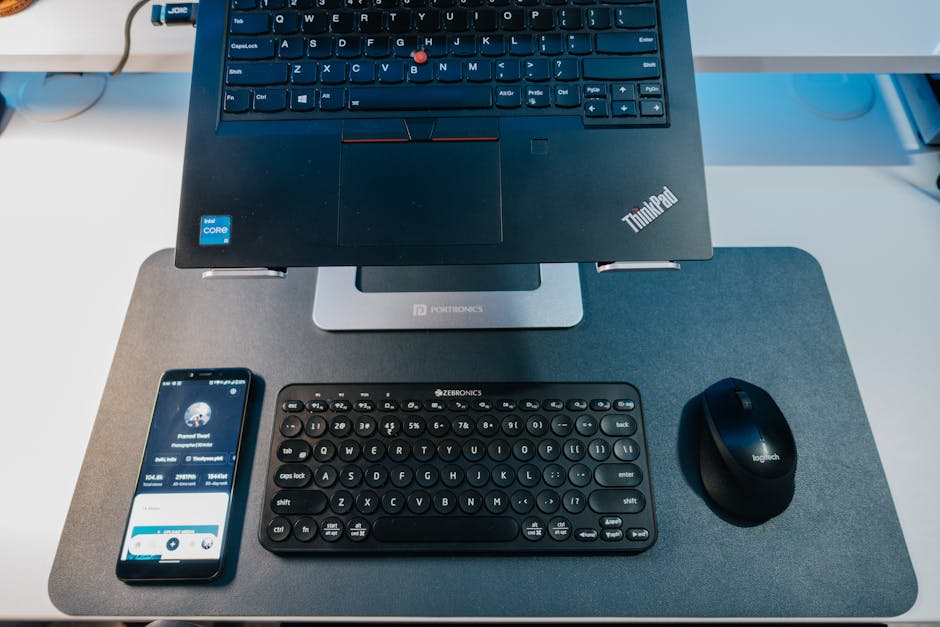
The Lenovo ThinkPad X1 Carbon has been a staple of the business world for years, and the Gen 13 continues that tradition with an ultra-lightweight chassis, Intel Core Ultra 7 processor, and legendary ThinkPad keyboard comfort. For accounting professionals who travel frequently, the under-1kg weight is a game-changer. It also boasts MIL-SPEC durability ratings, meaning it can handle the bumps and drops of a busy professional life.
- Pros:
- Featherlight design — one of the lightest business laptops available
- Outstanding keyboard, widely regarded as the best in class
- Robust security features including IR camera and fingerprint reader
- Excellent port variety: Thunderbolt 4, USB-A, HDMI, and more
- MIL-SPEC durability for peace of mind on the road
- Cons:
- Display brightness could be higher for use in bright outdoor environments
- Integrated graphics only — not suited for GPU-intensive tasks
- Premium pricing compared to consumer-grade alternatives
Best For: Traveling accountants and business professionals who prioritize portability, keyboard comfort, and enterprise-grade security.
3. Dell XPS 15 (2025)

The Dell XPS 15 is the go-to choice for accounting professionals who want a large, gorgeous display without sacrificing portability. The 15.6-inch OLED display option makes spreadsheets and financial dashboards look incredibly sharp and vibrant. Powered by Intel Core Ultra 9 processors and with options for up to 64GB of RAM, this laptop handles complex financial modeling, multi-application workflows, and even light data visualization tasks with ease.
- Pros:
- Stunning 15.6-inch OLED display option with excellent color accuracy
- Powerful Intel Core Ultra 9 processor handles heavy multitasking
- Up to 64GB RAM configuration available for power users
- Premium aluminum build with a sleek, professional aesthetic
- Great speaker system for video calls and presentations
- Cons:
- Battery life is not as impressive as the MacBook Pro
- Can run warm under sustained heavy workloads
- OLED display configurations add significantly to the cost
Best For: Accountants who work with large datasets, multiple applications simultaneously, and want the best display experience in a Windows laptop.
4. Microsoft Surface Laptop 7 (15-inch)

The Microsoft Surface Laptop 7 is a refined, elegant machine built natively on Windows 11 and powered by Qualcomm Snapdragon X Elite, Microsoft’s ARM-powered platform. For accounting professionals deeply integrated into the Microsoft 365 ecosystem — Outlook, Excel, Teams, OneDrive — this laptop delivers a seamlessly optimized experience. The 15-inch PixelSense display is bright, sharp, and anti-reflective, making it ideal for data-heavy work environments.
- Pros:
- Outstanding native integration with Microsoft 365 and Windows 11
- Qualcomm Snapdragon X Elite chip delivers impressive efficiency and speed
- All-day battery life exceeding 15 hours in real-world use
- Premium PixelSense display with excellent anti-glare coating
- Clean, minimalist design that looks professional in any boardroom
- Cons:
- ARM architecture means some legacy accounting software may require compatibility layer
- Limited port selection — USB-A, USB-C, and Surface Connect only
- Not upgradeable — RAM and storage are soldered to the motherboard
Best For: Accountants heavily embedded in the Microsoft ecosystem who want a polished, long-battery-life Windows laptop for daily office and remote work.
5. ASUS ProArt Studiobook 16 OLED (2025)

Don’t let the creative-sounding name fool you — the ASUS ProArt Studiobook 16 OLED is a powerhouse workstation laptop that accounting professionals who deal with data visualization, financial reporting, and large-scale modeling will absolutely love. With an AMD Ryzen AI 9 HX processor, up to 64GB of DDR5 RAM, and a jaw-dropping 16-inch 4K OLED display with PANTONE-validated color accuracy, this laptop is built for professionals who demand desktop-level power in a portable form.
- Pros:
- Breathtaking 4K OLED display — exceptional for detailed financial reports and dashboards
- AMD Ryzen AI 9 HX processor with AI-enhanced performance for modern software
- Up to 64GB DDR5 RAM — handles the most demanding accounting workloads
- Comprehensive port selection including Thunderbolt 4, USB-A, SD card, and HDMI 2.1
- ProArt Creator Hub software for fine-tuned display and performance management
- Cons:
- Heavier and bulkier than ultrabook alternatives
- Battery life is average due to the power-hungry OLED display and processor
- Overkill for basic bookkeeping or entry-level accounting tasks
Best For: Senior accountants, financial analysts, and CFOs who need workstation-class power and a premium display for complex data work and executive-level presentations.
Quick Comparison: Top 3 Picks Side by Side
| Product | Best For | Link |
|---|---|---|
| Apple MacBook Pro 14-inch (M4 Pro) | Premium performance & macOS users | Check Price (paid link) |
| Lenovo ThinkPad X1 Carbon Gen 13 | Business reliability & portability | Check Price (paid link) |
| Dell XPS 15 (2025) | Large display & multitasking power | Check Price (paid link) |
Buying Guide: What to Look for in a Laptop for Accounting
Choosing the right laptop for accounting work goes beyond picking the most expensive model. Here are the key features every accounting professional should evaluate before making a purchase:
- Processor (CPU): Look for Intel Core Ultra 7/9 or AMD Ryzen AI 9 chips for smooth multitasking. For macOS users, the Apple M4 Pro sets the standard. A powerful CPU ensures Excel formulas, pivot tables, and ERP software run without lag.
- RAM: Minimum 16GB for general accounting tasks; 32GB or more is recommended if you regularly run multiple applications, large spreadsheets, or virtual machines simultaneously.
- Storage: A 512GB SSD is the minimum — opt for 1TB if you store large datasets, backups, or client files locally. Fast NVMe SSDs dramatically improve software load times.
- Display: A sharp, anti-glare display of at least 1080p resolution is essential. 2K or 4K OLED panels are worth considering if you spend long hours reviewing financial reports and dashboards.
- Battery Life: For accountants who travel or work remotely, aim for at least 10–12 hours of real-world battery life. Don’t rely solely on manufacturer claims.
- Security Features: Fingerprint readers, IR face recognition, and TPM 2.0 chips are important for protecting sensitive client financial data.
- Portability: If you’re frequently on the move, prioritize a laptop under 1.5kg. If you work primarily at a desk, a larger 15–16-inch display may be more valuable.
- Operating System: Windows 11 is most compatible with accounting software like QuickBooks Desktop and SAP. macOS is excellent for cloud-based platforms and Microsoft 365.
Conclusion: Which Laptop Should Accounting Professionals Buy?
After reviewing all five options, our top recommendation for most accounting professionals in 2026 is the Lenovo ThinkPad X1 Carbon Gen 13. It strikes the perfect balance between portability, performance, keyboard comfort, and enterprise-grade security — everything a working accountant needs. If budget is no concern and you’re on macOS, the Apple MacBook Pro 14-inch (M4 Pro) is the undisputed performance king. For Windows users who want the best display experience, the Dell XPS 15 is a fantastic choice. No matter your budget or workflow, one of these five laptops will serve you well through tax season and beyond.